Trusted by 500+ creators
Automate your Instagram Growth
Boost your engagement with human-like automated liking, commenting, and following. Save time and grow your audience safely while you sleep.
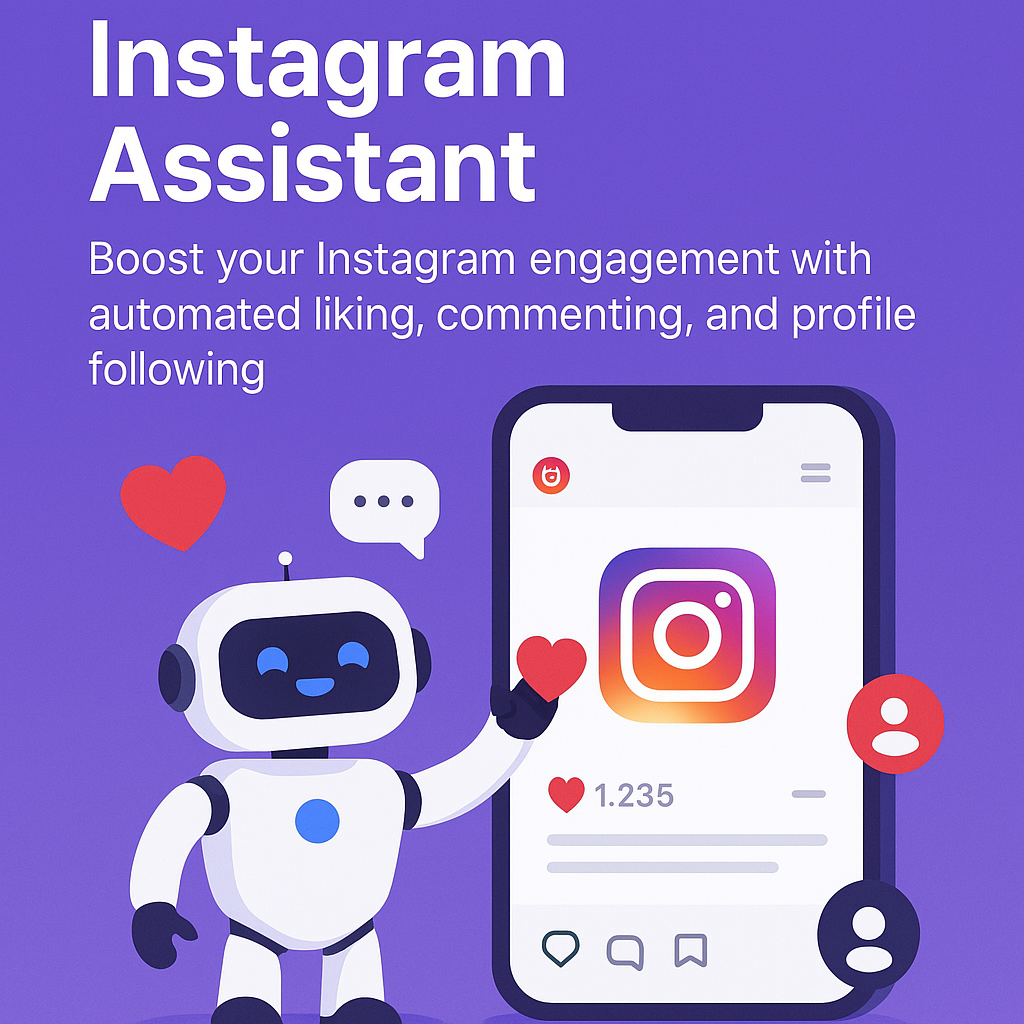
Boost your engagement with human-like automated liking, commenting, and following. Save time and grow your audience safely while you sleep.
Everything you need to grow your Instagram presence, working silently in the background while you focus on creating amazing content.
Like posts and reels from your feed, explore page, or specific profiles—automatically and naturally.
Like comments on posts to increase your visibility and build relationships with other users effortlessly.
Grow your network by following profiles based on your preferences and target audience.
Fine-tune engagement rates, delays, and actions to match your unique style and goals.
Track your engagement stats and see which posts, comments, and profiles you've interacted with.
Stay safe with built-in hourly and daily limits that help you avoid Instagram action blocks.
Simple setup process. No coding or complex configuration required.
Add Instagram Assistant from the Chrome Web Store and access it instantly.
Customize your automation settings and limits for safe, natural engagement.
As you scroll, the extension automatically likes, comments, and follows for you.
Check your dashboard to see engagement stats and adjust your strategy.
Everything you need to know about Instagram Assistant.
Yes. Instagram Assistant is built with safety in mind, using natural engagement patterns and strict rate limits. Use responsibly and stay within recommended limits for best results.
The extension is designed to minimize risk by mimicking human behavior and limiting actions. However, any automation carries some risk, so always use moderation.
Use the sidebar on Instagram to start, pause, or schedule automation. You can also set limits for automatic stopping directly in the extension dashboard.
Absolutely! Set your preferences for content types, hashtags, and profile criteria in the extension settings.
The dashboard shows all your automated activity—posts liked, comments engaged, profiles followed, and more in real-time.
Join thousands of creators using Instagram Assistant to grow their audience on autopilot.
Install Extension Now